Part of our Apple Pay India series. Start with the complete Apple Pay India guide for the launch details, supported devices and merchants.
Apple Pay launched in India with a ready-made merchant network. Apple worked with Cashfree, JusPay, Mswipe, Paytm, PayU, Pine Labs, Razorpay, Worldline to switch it on for their merchants. If you already take cards through one of them, you may be closer to accepting Apple Pay than you think.
8
payment providers named by Apple
3
channels: shop, web, iOS app
₹5,000
contactless limit without a PIN
HTTPS
required for web checkout
In your shop: card terminals
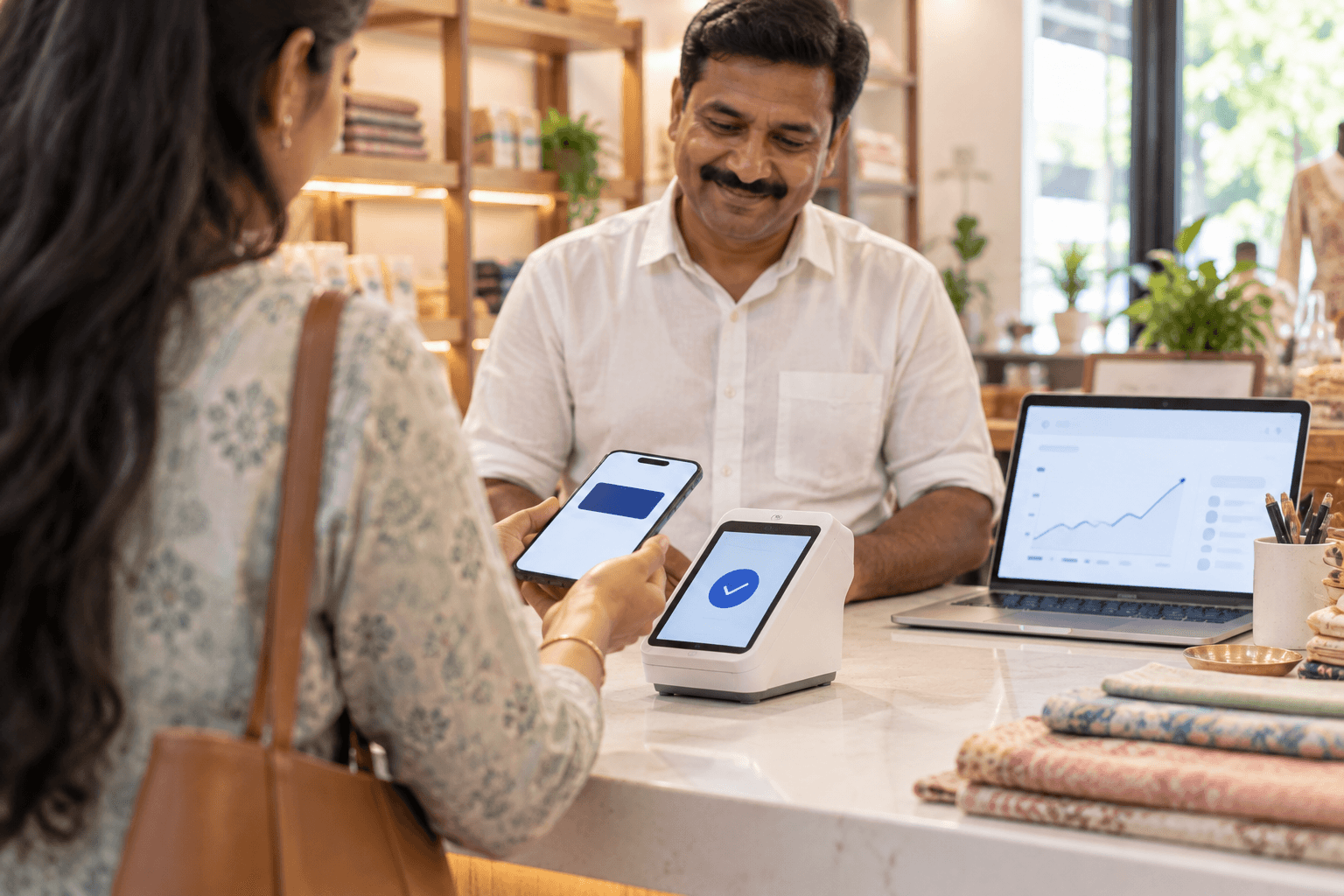
To a card terminal, Apple Pay looks like a contactless Visa or Mastercard payment. If your terminal already accepts contactless cards, shown by the contactless symbol, it can accept Apple Pay without new hardware. Apple named terminal providers such as Pine Labs, Mswipe, Worldline and Paytm among its launch partners.
- Ask your acquirer or terminal provider to confirm contactless acceptance is switched on.
- Show the contactless symbol where customers can see it.
- Tell staff the customer holds the top of the iPhone, or the Apple Watch display, near the reader. Under RBI rules, contactless card payments up to ₹5,000don’t need a PIN.
The customer's phone doesn't need a signal
Apple Pay in shops works through the phone’s NFC chip, so a weak signal inside your store doesn’t stop the payment.On your website
For online checkout you don’t integrate with Apple directly. Your payment gateway does that, and Apple lets approved providers register their merchants’ websites for Apple Pay. Your part is usually three things.
1. Serve the site over HTTPS
Apple Pay only runs on secure pages. Razorpay’s documentation, for example, asks for TLS 1.2 or later.
2. Host the domain verification file
Your provider gives you a file to host at a fixed path on every domain where Apple Pay should appear. It must load over HTTPS with a 200 response and no redirects.
curl -sI https://www.example.in/.well-known/apple-developer-merchantid-domain-association
# Expect: HTTP/2 200, with no redirect to another URL
3. Follow Apple’s button and checkout rules
- Use Apple's official Apple Pay button, not a home-made one.
- Show the payment sheet straight after the customer taps the button, with no screens or pop-ups in between.
- Ask only for the details you need to fulfil the order.
Confirm domestic support with your gateway
Some gateways first offered Apple Pay only for international cards. Razorpay’s Apple Pay documentation, for instance, describes it for international payments. Ask your provider whether Apple Pay with Indian cards is live on your account before you plan around it.If your checkout runs on Razorpay, our Razorpay gateway setup service covers checkout configuration and testing every payment method before go-live.
In your iOS app
Apple’s App Review Guidelines set the rule. Section 3.1.3(e) says apps selling physical goods or services used outside the app must use a payment method other than in-app purchase, such as Apple Pay. Digital content sold inside the app still has to use in-app purchase.
- Membership and merchant ID: you need an Apple Developer Program membership and a merchant ID, which your payment provider helps you set up.
- Disclosure: guideline 4.9 requires all material purchase information to be shown before the sale.
- Subscriptions: for recurring Apple Pay payments, disclose the renewal term, what each period includes, the actual charge and how to cancel.
- Branding: use Apple Pay marks and interface elements as Apple’s guidelines describe.
Your gateway’s iOS SDK may present the Apple Pay sheet for you, so check its documentation first. See our web and app development services if you need help building it into your app.
What it costs merchants
Apple’s fee is charged to the card-issuing bank, reportedly 0.15 to 0.20% per transaction according to TechCrunch and MediaNama. Apple hasn’t published it. For you, an Apple Pay payment is processed as a card payment. Confirm with your provider what rate applies on your plan, since card pricing varies by gateway and card type.
Is it worth enabling now?
Today only Axis Bank credit card holders can pay with Apple Pay, so the immediate volume is small. The case for enabling it early is that it costs little once your gateway supports it, and iPhone users are a valuable audience. TechCrunch reports that Apple held 28% of India’s smartphone market by value in 2025.
The value grows as more banks join. HDFC Bank, ICICI Bank and SBI Card are the ones to watch. The Apple Pay India bank list tracks where each stands.
Merchant checklist
- Confirm your terminals accept contactless cards and display the contactless symbol.
- Ask your payment gateway whether Apple Pay with Indian cards is enabled on your account.
- Host the domain verification file on every checkout domain, over HTTPS, with no redirects.
- Use Apple's official button and show the payment sheet immediately after it is tapped.
- For iOS apps: set up a merchant ID, and use Apple Pay only for physical goods and services.
- Test a live purchase with an Axis Bank card. Razorpay, for one, notes that Apple Pay doesn't work in test mode.
For the consumer side of the launch, including devices and supported merchants, see the complete Apple Pay India guide.
Frequently asked questions
Do I need a new card machine to accept Apple Pay?
Usually not. If your terminal already accepts contactless Visa and Mastercard cards, it can accept Apple Pay, because Apple Pay presents a contactless card payment. Ask your acquirer to confirm contactless is switched on.
Which payment gateways support Apple Pay in India?
Apple named Cashfree, JusPay, Mswipe, Paytm, PayU, Pine Labs, Razorpay and Worldline among the providers bringing Apple Pay to Indian merchants. Check with your provider that it is enabled for domestic payments on your account.
Does Apple charge merchants for Apple Pay?
Apple's fee is reported to be charged to the card-issuing bank, not the merchant. Your payment provider processes an Apple Pay payment as a card payment, so confirm the rate on your plan.
Can I use Apple Pay for in-app purchases in my iOS app?
For physical goods and real-world services, yes. Apple's App Review Guidelines require non-in-app-purchase methods such as Apple Pay for those. Digital content sold inside an iOS app must still use Apple's in-app purchase system.
How do I verify my domain for Apple Pay?
Your payment provider gives you a verification file to host at /.well-known/apple-developer-merchantid-domain-association on your domain, over HTTPS and without redirects. Once it verifies, Apple Pay can appear at checkout.
The Apple Pay India series
Six guides covering what shoppers, iPhone owners and businesses in India are asking about Apple Pay.
01
Apple Pay in India: Banks, Cards, Devices and How It Works
02
Which Banks Support Apple Pay in India? Axis Bank and What Comes Next
03
How to Set Up and Use Apple Pay in India
04
Apple Pay vs UPI: What Each Does Better in India
05 · You are here
Accepting Apple Pay (merchants)
06
Is Apple Pay Safe in India? Tokens, Face ID and RBI Rules
Sources
- Apple Newsroom (India): Apple Pay launches in India
- Apple Developer: Planning for Apple Pay
- Apple: App Review Guidelines (3.1.3(e) and 4.9)
- Razorpay Docs: Apple Pay Standard Checkout
- RBI: Card transactions in contactless mode, AFA relaxation (4 Dec 2020)
- TechCrunch: Apple Pay finally launches in India
Launch details are from Apple and Axis Bank as of 30 September 2026. Bank negotiations and fee figures are press reports that Apple has not confirmed. Bank support is expanding, so check the Wallet app for the current list.
Adding Apple Pay to your checkout?
Tech Geum integrates payment gateways such as Razorpay for businesses in India and the Gulf, across websites, apps and in-store systems.