Razorpay Gateway Setup in Kerala
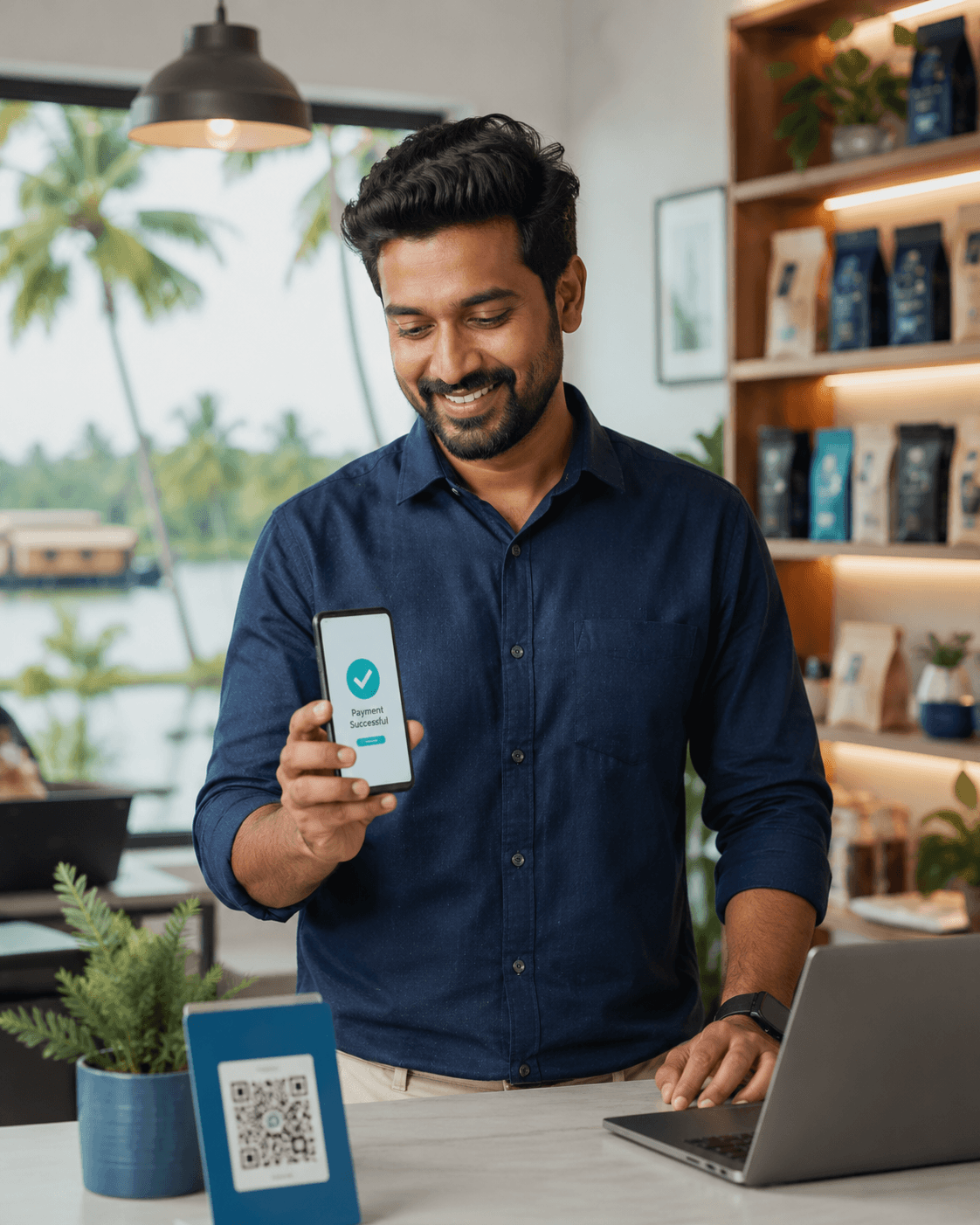
From merchant account activation to a fully tested checkout on your website, app, or CRM — configured once, working correctly from day one.
- check_circle
Merchant account activation, KYC, and settlement bank verification handled for you
- check_circle
UPI, cards, netbanking, and wallets configured and tested before go-live
- check_circle
Checkout wired into your existing website, app, or CRM — no rebuild required
5+ Years
Zoho Implementation Experience
All Methods
UPI, Cards, Netbanking, Wallets
Tested First
Before Your First Live Payment
Kerala-Based
Support Team
Why self-service gateway setup often goes wrong
Creating a Razorpay account takes minutes. Getting it fully activated, correctly configured, and safely wired into your website or app is where most Kerala businesses run into avoidable delays and half-finished checkouts.
Common Failure Point
KYC document rejections and mismatched settlement account details are the single biggest cause of delayed go-lives we see.
KYC documents get rejected, and no one explains why
Business registration details, PAN, and bank proof need to match exactly. A small mismatch quietly stalls activation for days without a clear next step.
The checkout is live, but half-tested
UPI works, but netbanking fails silently for one bank. Nobody notices until a customer complains — by then, you've lost the sale and some trust.
Wrong payment methods for the wrong customers
Enabling every method by default clutters the checkout and can add unnecessary fees, when a focused set matched to your customer base performs better.
No one owns it after go-live
Once the gateway is technically working, small issues — a failed webhook, a settlement mismatch — go unnoticed because there's no one actively watching.
Every setting checked, not just the account created
We handle KYC document preparation, settlement bank verification, webhook configuration, and checkout placement on your website, app, or CRM — then walk through each payment method live before handing it over.
Talk to Us About Setuparrow_forward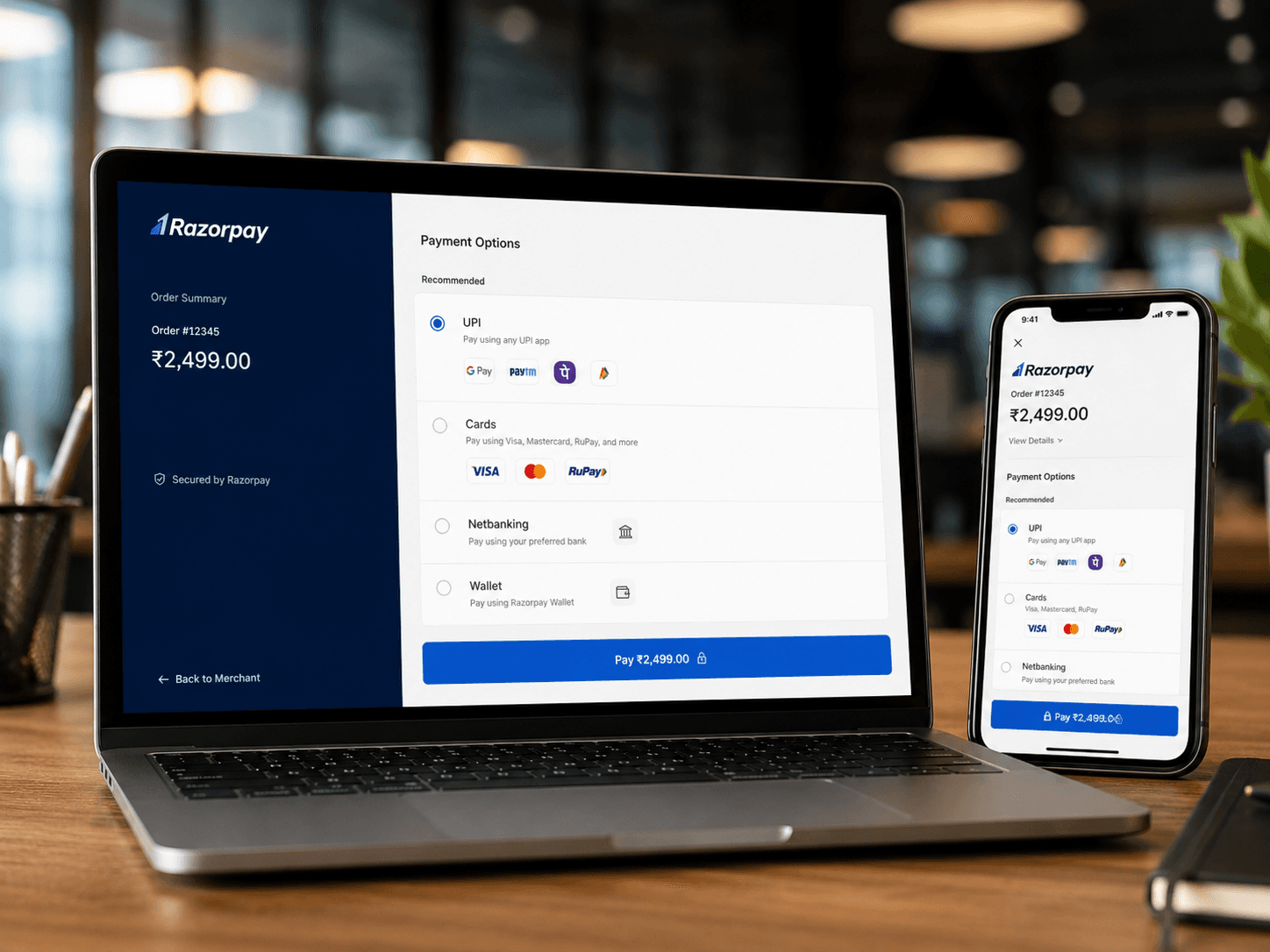
What changes with a properly managed gateway setup
Documents get rejected repeatedly with no clear reason, delaying go-live by weeks.
Documents are checked against Razorpay's requirements before submission — activated right the first time.
Every method is enabled by default, cluttering checkout and confusing customers.
Methods are chosen to match your actual customer base, tested individually before launch.
The checkout is bolted onto the website awkwardly, breaking on mobile or slow connections.
Checkout is placed and tested across devices as part of your website, app, or CRM flow.
No one is watching for failed webhooks or settlement mismatches after launch.
A supervised test run and handover ensures issues are caught before customers see them.
Our gateway setup process
Document & KYC Review
We review your business documents, PAN, and bank proof before submission to avoid rejection delays.
Account Activation
Merchant account and settlement bank details are verified and activated with Razorpay.
Checkout Configuration
The gateway is wired into your website, app, or CRM, with payment methods selected for your customers.
Testing & Handover
Every payment method is tested live before you go live, followed by a short walkthrough for your team.
Already on another platform? Or need something built from scratch?
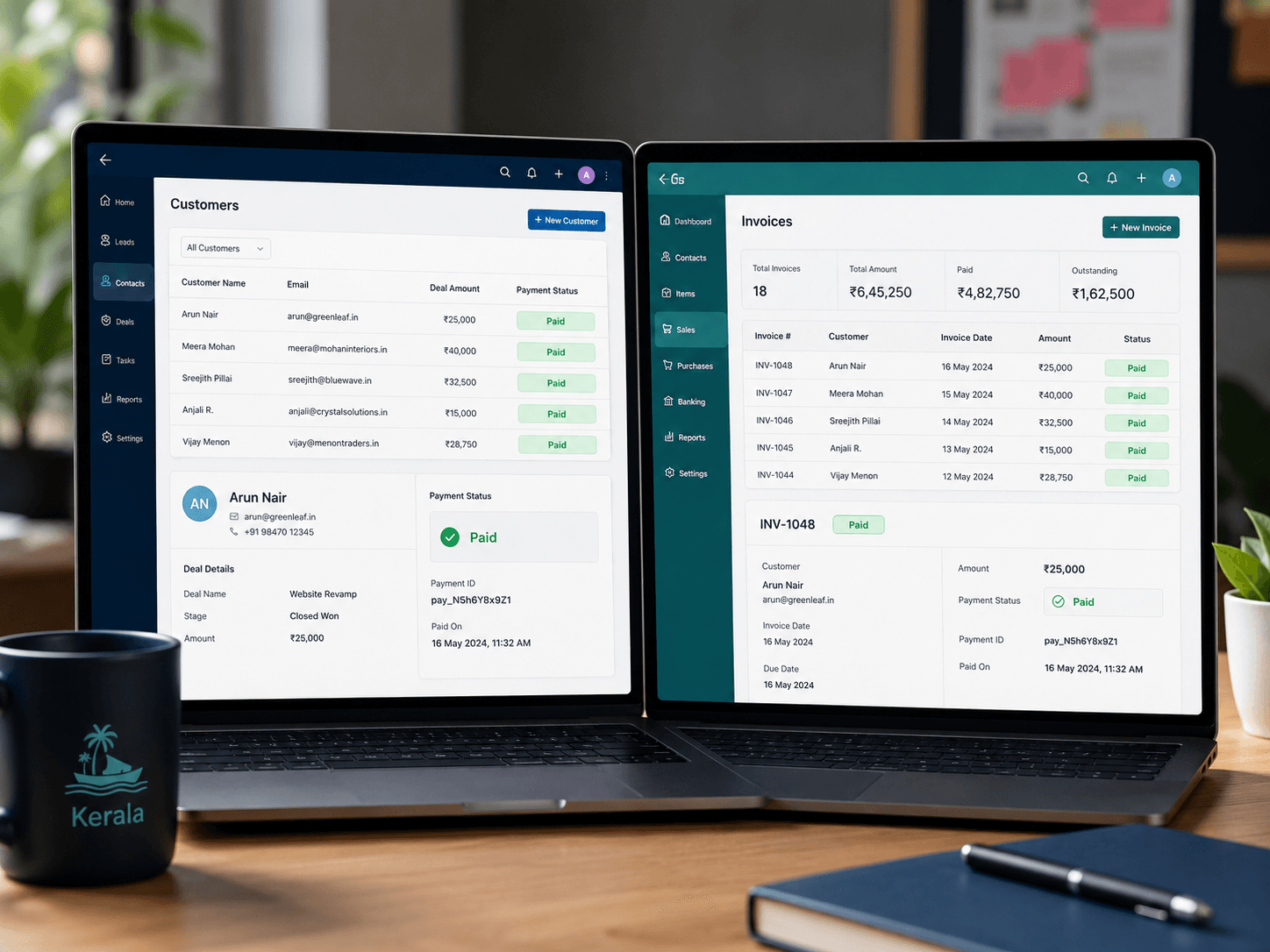
We configure Razorpay checkout on Zoho, WooCommerce, Shopify, a custom website, or an internal ERP. If your current system can't support what you need, our development team builds a custom web app or portal with Razorpay integrated from day one.
Gateway setup is one part of our full Razorpay integration service
We also handle automated reconciliation and payment links & subscriptions — usually as one combined project.
Also see: Reconciliation · Payment Links & Subscriptions