Part of our Apple Pay India series. Start with the complete Apple Pay India guide for the launch details, supported devices and merchants.
A payment method that skips the OTP sounds riskier in a country used to OTPs on every card payment. With Apple Pay it isn’t, because the checks move from your SMS inbox to your device and your face or fingerprint.
0
times merchants see your card number
2
authentication factors RBI requires
₹5,000
contactless limit without a PIN
Free
to tokenise a card, per RBI
How Apple Pay protects your card
- A device token instead of your card number. When you add a card, Apple Pay creates a unique Device Account Number, encrypts it and stores it in the Secure Element, a dedicated chip in your device.
- Your card number stays with the bank. Apple says actual card numbers are not stored on the device or on Apple’s servers, and are not shared with merchants.
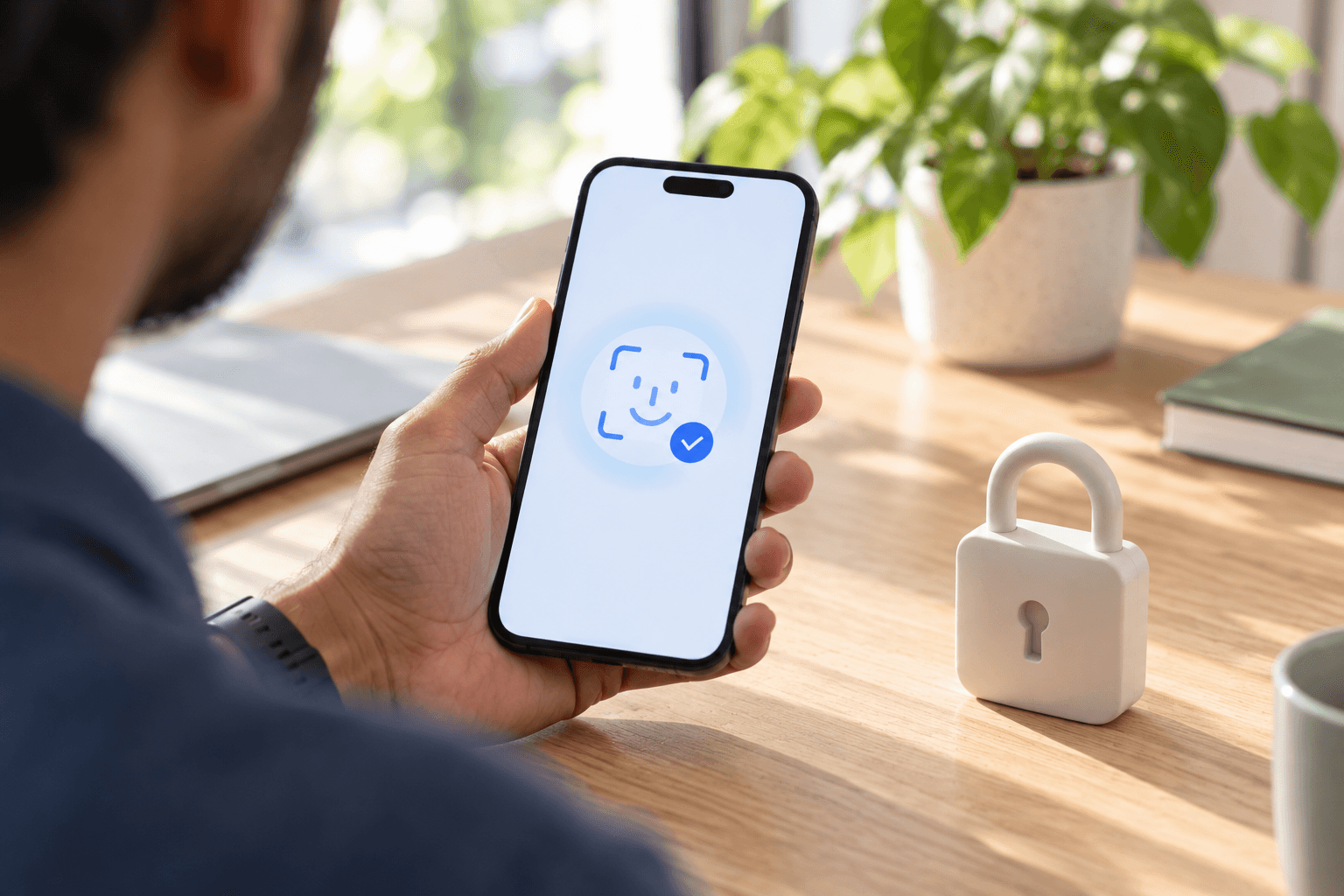
- A check on every payment. Each payment is confirmed with Face ID, Touch ID or your device passcode.
- Less data about you. Apple says it doesn’t retain transaction information that can be tied back to you and doesn’t sell transaction data for advertising.
RBI's tokenisation rules
In India, replacing a card number with a device token is regulated by RBI’s tokenisation framework. Apple Pay works within it. RBI’s FAQ on device-based tokenisation sets out what that means for you:
- The token is unique to the combination of your card, the app requesting it and the device.
- Tokenising a card needs your explicit consent, confirmed with an additional factor of authentication. It can't be switched on by default.
- It is free. The customer need not pay any charges for the service.
- It is optional, and you can remove a card from a particular use, such as contactless or in-app payments.
- Complaints go to your card issuer, which must make it easy to report a lost device.
That consent step is the verification you see when you add a card to Wallet. Our guide on how to use Apple Pay in India walks through it.
Why most payments need no OTP
RBI’s Authentication mechanisms for digital payment transactions Directions, 2025 came into force on 1 April 2026. They require every digital payment to be authenticated by at least two distinct factors, from three categories:
| Category | Examples RBI lists | In Apple Pay |
|---|---|---|
| Something you have | Card hardware, software token, SMS OTP | Your device and its token |
| Something you know | PIN, password, passphrase | Your device passcode |
| Something you are | Fingerprint or other biometrics, device-native or Aadhaar-based | Face ID or Touch ID |
Because device-native biometrics count as a factor, your device plus your face or fingerprint can make up the two factors without an SMS code. For online and in-app payments, the directions also require one factor to be unique to each transaction.
Small contactless payments
Contactless card payments up to ₹5,000 have been exempt from the extra check since January 2021, and the 2025 directions keep an exemption for small-value contactless card payments.
Your bank can still ask for more
Apple’s own fine print for India says an additional check such as an OTP or bank app verification may be required by your card issuer. That’s your bank adding a check, not Apple Pay failing.Apple Pay vs your physical card
| Risk | Physical card | Apple Pay |
|---|---|---|
| Card number seen by the merchant | Yes | No, a token is used |
| Lost or stolen | Contactless payments possible up to ₹5,000 without a PIN | Needs Face ID, Touch ID or passcode |
| Card details copied at checkout | Possible | No card details to copy |
| Remote lock | Call the bank to block the card | Lost Mode in Find My, or the bank |
If your iPhone is lost or stolen
- Nobody can pay without your Face ID, Touch ID or passcode.
- Use the Find My app to locate or lock the phone. Lost Mode suspends Apple Pay on it.
- Report the lost device to your card issuer. RBI requires issuers to make this easy.
- Your physical card keeps working, because each device has its own token.
The risks that remain
Apple Pay closes off card-number theft, but it can’t stop you from being talked into a payment. The scams Indians already see, such as fake customer-care calls, fake payment requests and people asking you to read out an OTP, still work on anyone who goes along with them.
- Never share an OTP, even with someone claiming to be from your bank or Apple.
- Only confirm a payment you started yourself, for an amount you recognise.
- Keep a device passcode that others can't guess, since it can approve payments.
Comparing Apple Pay’s security with your UPI app? See Apple Pay vs UPI, or start from the complete Apple Pay India guide.
Frequently asked questions
Is Apple Pay safer than using my physical card?
In most ways, yes. Merchants never receive your real card number, every payment needs Face ID, Touch ID or your passcode, and a lost phone can be locked remotely. A physical card can be read, copied or used by anyone who finds it for small contactless payments.
Why doesn't Apple Pay ask for an OTP in India?
RBI's 2025 authentication directions require two factors per digital payment and list device-native biometrics as a valid factor. Your device and your Face ID or Touch ID can cover both. Your bank can still ask for an OTP or app check, and Apple notes this.
Does Apple see what I buy?
Apple says it doesn't retain transaction information that can be tied back to you, and doesn't sell your transaction data for marketing or advertising. Your bank still sees your transactions, as with any card payment.
What happens if someone steals my iPhone?
They can't pay without your Face ID, Touch ID or passcode. Use the Find My app to put the phone in Lost Mode, which suspends Apple Pay, and report the lost device to your card issuer.
Is tokenising my card mandatory?
No. RBI rules say tokenisation is the customer's choice, needs your explicit consent confirmed with an additional factor, and is free of charge.
The Apple Pay India series
Six guides covering what shoppers, iPhone owners and businesses in India are asking about Apple Pay.
01
Apple Pay in India: Banks, Cards, Devices and How It Works
02
Which Banks Support Apple Pay in India? Axis Bank and What Comes Next
03
How to Set Up and Use Apple Pay in India
04
Apple Pay vs UPI: What Each Does Better in India
05
How Businesses Can Accept Apple Pay in India
06 · You are here
Security and RBI rules
Sources
- Apple Newsroom (India): Apple Pay launches in India
- Apple (India): Apple Pay
- RBI: FAQs on device-based tokenisation of card transactions
- RBI: Authentication mechanisms for digital payment transactions Directions, 2025
- RBI: Card transactions in contactless mode, AFA relaxation (4 Dec 2020)
Launch details are from Apple and Axis Bank as of 30 September 2026. Bank negotiations and fee figures are press reports that Apple has not confirmed. Bank support is expanding, so check the Wallet app for the current list.
Adding Apple Pay to your checkout?
Tech Geum integrates payment gateways such as Razorpay for businesses in India and the Gulf, across websites, apps and in-store systems.