Razorpay Reconciliation in Kerala
Every payment, refund, and settlement fee matched to the right invoice automatically — no more end-of-day spreadsheet checks.
- check_circle
Payments matched against invoices the moment they settle
- check_circle
Partial payments, refunds, and gateway fees handled without manual correction
- check_circle
Works with Zoho Books, your existing accounting system, or a custom ledger

5+ Years
Zoho Implementation Experience
0
Manual Reconciliation Left
Fees Included
Settlement Fee Matching
Kerala-Based
Support Team
Why manual reconciliation quietly costs you hours every week
Razorpay settles payments in batches, net of its transaction fee, often days after the customer paid. Matching that batch against individual invoices by hand is tedious, error-prone, and gets worse as transaction volume grows.
Common Failure Point
Businesses accepting 50+ Razorpay payments a month typically spend 4–6 hours weekly manually matching transactions against invoices in Excel or Tally.
Settlement batches don't map cleanly to invoices
Razorpay settles a lump sum net of fees, days after the transaction. Working backward to which invoice it belongs to is slow and easy to get wrong.
Partial payments create confusing ledger entries
A customer pays part of an invoice, and without proper mapping it either looks fully paid, fully unpaid, or gets recorded as a separate stray transaction.
Refunds break the original invoice trail
A refunded payment often loses its link to the original invoice, leaving your accounting team to manually track down what happened.
GST filing gets harder with unreconciled records
When payments and invoices don't match cleanly, GST filing takes longer and carries a higher risk of reporting errors.
Payments matched to invoices, fees accounted for, automatically
We map Razorpay's payment IDs, settlement batches, and fee structure directly to your invoices in Zoho Books or your existing system — so every payment, partial payment, and refund lands against the correct record without manual entry.
Talk to Us About Reconciliationarrow_forward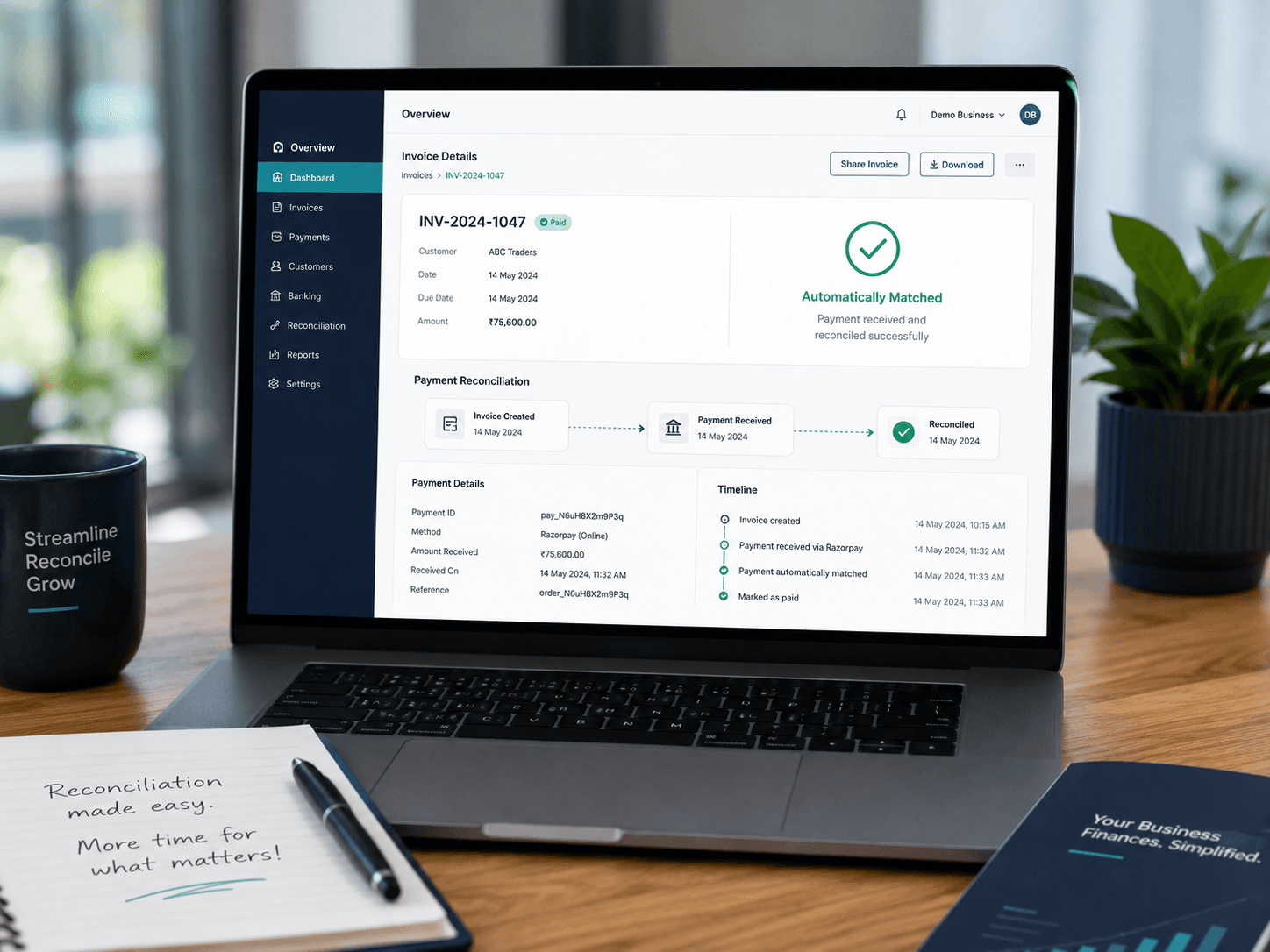
What changes once reconciliation is automated
Someone manually checks the Razorpay dashboard and marks invoices paid by hand.
Payments reconcile against the correct invoice automatically, the moment they settle.
Partial payments show as fully paid, fully unpaid, or a confusing stray entry.
Partial payments are recorded against the correct outstanding balance, every time.
Refunds and gateway fees create mismatched totals needing manual correction later.
Refunds and fees are recorded against the original invoice with the correct net amount.
Filing takes longer because payment and invoice records don't cleanly match.
Clean, reconciled records make GST filing faster and less error-prone.
Our reconciliation mapping process
Chart of Accounts Review
We review how your invoices, payments, and fees are currently structured before building any mapping rules.
Payment & Fee Mapping
Razorpay payment IDs, settlement batches, and fees are mapped to the correct invoice and ledger accounts.
Refund & Partial Payment Rules
Rules are configured so partial payments and refunds always land against the right outstanding balance.
Test Run & Handover
We run a supervised test cycle against real transactions, then train your team on reviewing reconciled entries.
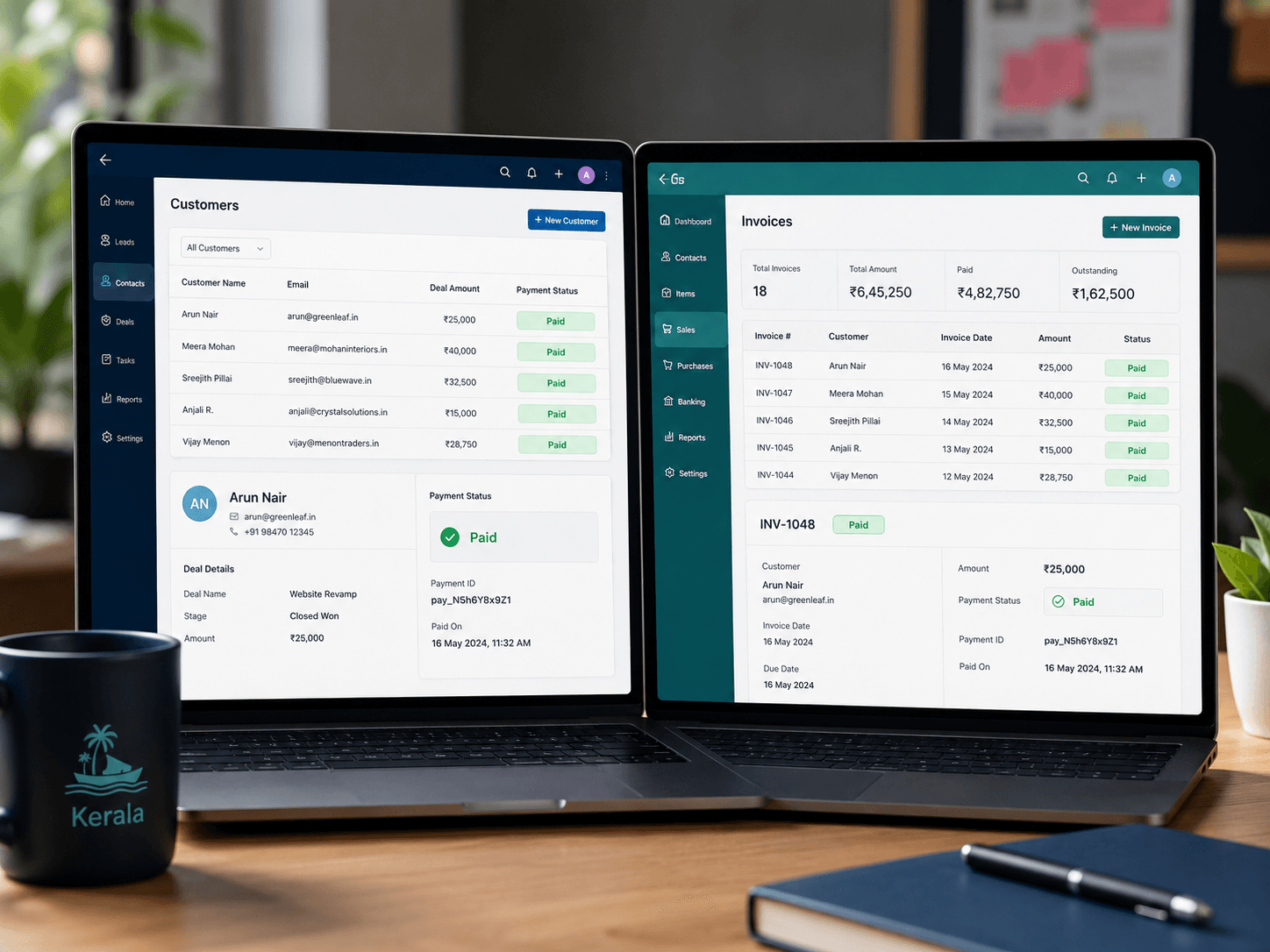
Using another accounting system, or need one built?
Reconciliation mapping works with Zoho Books, another accounting platform, or a custom ledger we build for you. If your current system can't receive automated payment data, our development team can build a custom solution that can.
Reconciliation is one part of our full Razorpay integration service
We also handle gateway setup and payment links & subscriptions — usually as one combined project.
Also see: Gateway Setup · Payment Links & Subscriptions