Marketing Strategy7 Min Read
5 B2B SaaS SEO Strategies for the AI-Search Era
Google is no longer the only place buyers go to shortlist a vendor. Here's what moves rankings, traffic, and pipeline in 2026 — for search engines and AI answer engines.
Quick setup guide for the Antigravity CLI, workspace initialization, and automated workflows.
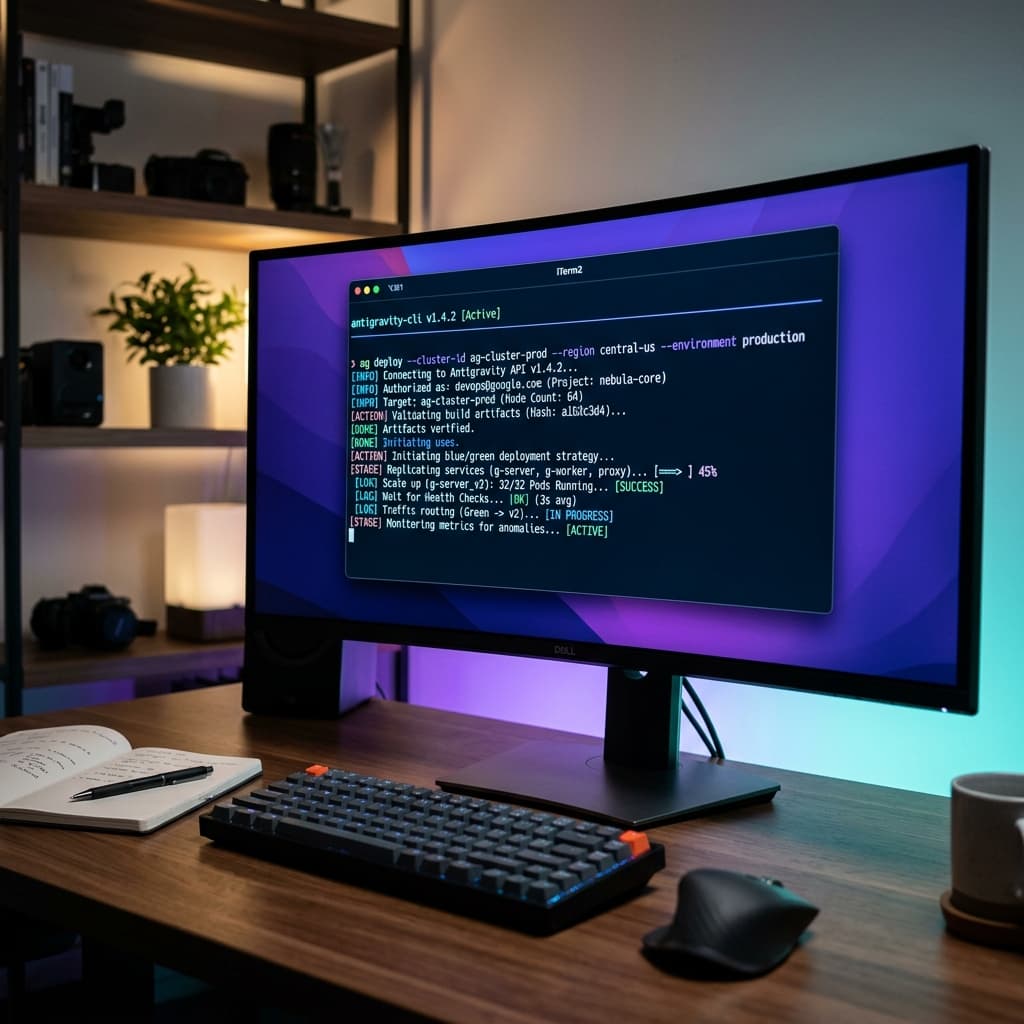
Google DeepMind has launched the Antigravity Visual IDE alongside the agy CLI to support active visual pipelines.
Google Antigravity automates project setup, package installation, and containerized sandboxing using autonomous, safe agent loops.
Manage your codebase directly via terminal commands or visually inside the multi-pane editor.
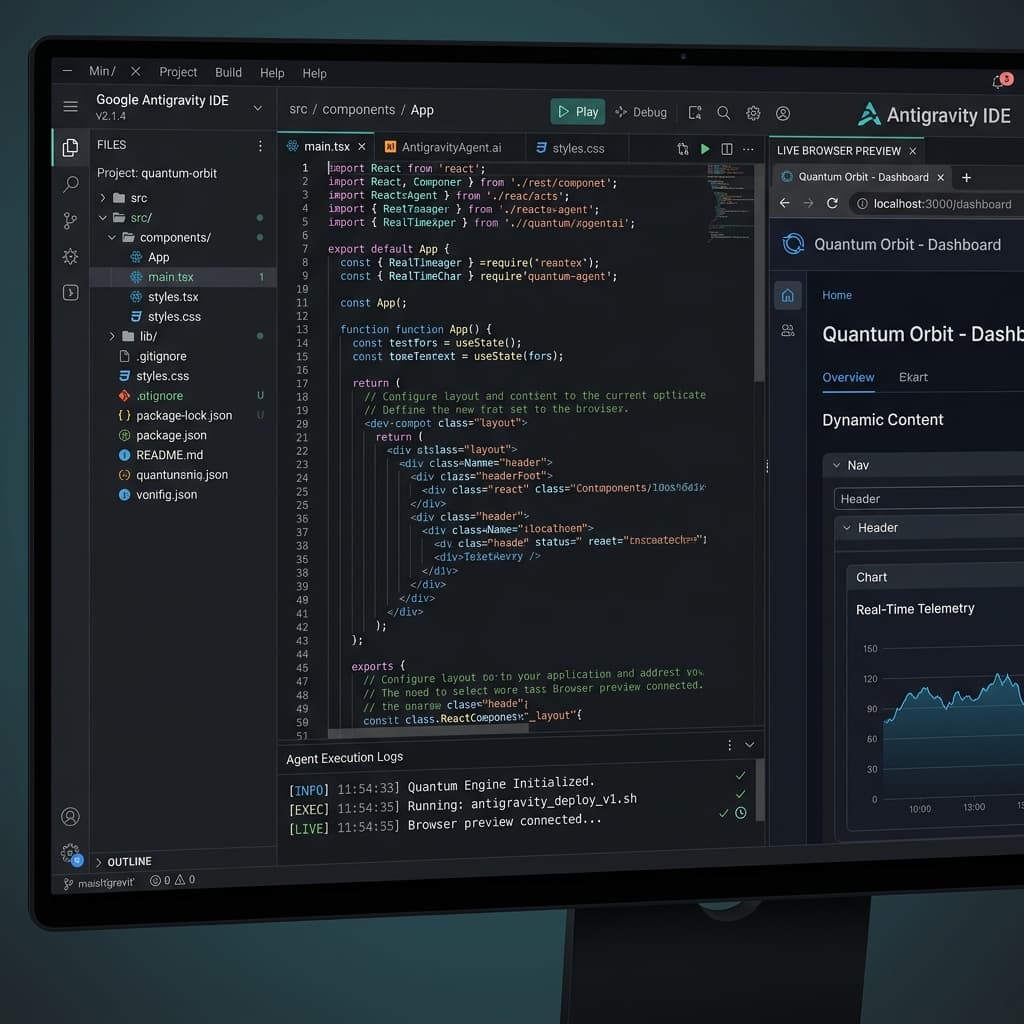
Experience the Google Antigravity ecosystem directly from your browser. Click the tabs, simulate terminal commands, approve safety hooks, or preview files in the virtual IDE layout below.
🔋 Fetching agy CLI distribution package...
🔑 Verifying cryptographic package signature... OK
📦 Unpacking binaries into /usr/local/bin/agy...
🎉 Success: agy v1.2.0 installed successfully!
Type "agy" in command line to launch.
🤖 Editor Agent initiated workspace routine...
📂 Reading spec markdown parameters...
🔨 Resolving Next.js compilation targets...
⚡ Created: src/app/page.tsx
⚡ Created: tailwind.config.ts
✨ Complete: Codebase verified (exit code 0)
Antigravity Editor Agent requests permission to run shell script: npm run dev.
✅ APPROVED: Executing "npm run dev"...
Ready on http://localhost:3000
Browser Agent verifying visual elements... Match 100%!
✨ Tests successfully passed.
❌ REJECTED: Safety approval denied by user.
Stopping execution loop immediately...
Editor Agent rolling back local file adjustments... OK
⚠️ Workspace safely restored to original state.
export default function App() {
  return (
    <div className="min-h-screen flex items-center justify-center bg-gray-900">
      <h1 className="text-4xl font-bold text-white">
        Hello from Google Antigravity IDE!
      </h1>
    </div>
  );
}@tailwind base;
@tailwind components;
@tailwind utilities;
:root {
--primary-color: #3b82f6;
--agent-accent: #a855f7;
}{
"theme": "glassmorphism-dark",
"borderRadius": "16px",
"fontFamily": "Outfit, sans-serif",
"enableAgentAutosave": true
}Antigravity deploys specialized agents with built-in safety execution limits:
Claude excels at reasoning through logic and generating beautiful source code segments. Antigravity acts as the execution partner that configures, runs, and tests the workspace. They work perfectly together—use Claude to write your schema blueprint, and Antigravity to run and verify it.
Instead of copying and pasting static prompts, tell the Antigravity system exactly what you want using a workspace configuration file (spec.md). Choose your options below to see how the system manifest changes dynamically.
# Antigravity Vite React Workspace Specification
framework: vite-react-spa
package_manager: yarn
safety_level: strict (requires user input on all terminal executions)medium-auto (execute tests automatically, prompt on file deletion)
verify_url: http://localhost:5173
## Design Instructions
- Build responsive router setup in App.tsx.
- Style with global glassmorphism tokens.
# Antigravity Node Express Specification
framework: express-backend
package_manager: pnpm
safety_level: strict (requires user input on all terminal executions)medium-auto (execute tests automatically, prompt on file deletion)
verify_url: http://localhost:8080/api/health
## Architecture Instructions
- Implement strict request body schema checks using Zod.
- Enable automated test suites in server.test.ts.
Choose your platform and run the setup script in your local console:
curl -fsSL https://antigravity.google/cli/install.sh | bashirm https://antigravity.google/cli/install.ps1 | iexagy initRun the workspace generator in your project directory:
Define framework routers, styling rules, and URLs in a local markdown file (e.g., spec.md), then run:
agy create-project --spec "./project_specification.md"Antigravity determines required packages, configures project parameters, and builds directory structures.
Review generated "Artifacts" details mapping file edits, dependencies, and configurations.
Antigravity uses a strict human-in-the-loop authorization system. Before executing shell scripts, starting servers, or changing critical files, the CLI prompts for visual approval of changes.
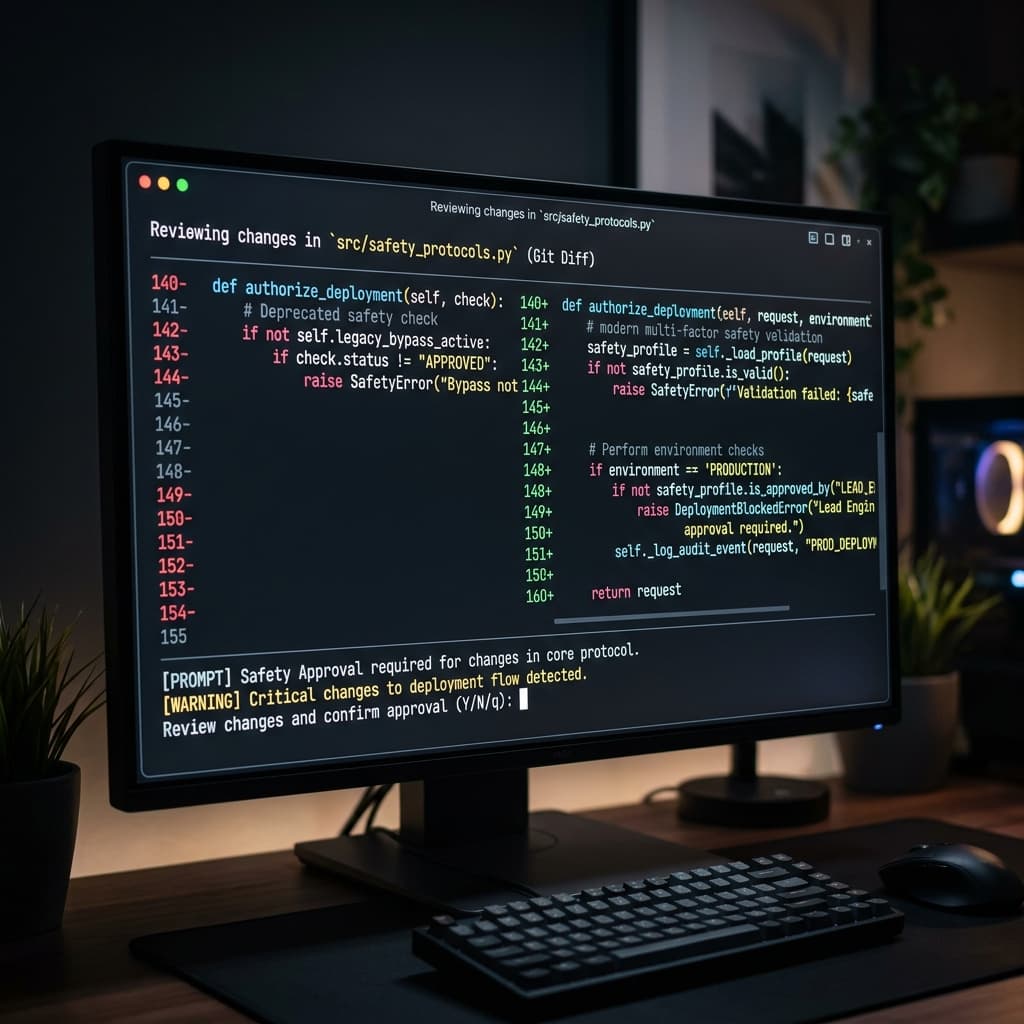
Instead of managing syntax and compiler setup manually, vibe coders build features by updating a single spec.md manifest file.
Describe layout goals, design themes, and user stories. Antigravity translates this into file patches, database migrations, and clean route mapping.
The Browser Subagent opens a sandbox window, verifies page loading, validates CSS structures, and records validation checks automatically.
No. Antigravity runs as a CLI tool or task manager that works alongside VS Code, Neovim, or other editors. It handles package installation, boilerplates, and sandbox testing while you write logic.
While CLI checks and test executions run locally on your system, planning and code generation require internet access to DeepMind's Gemini models.
During setup, you associate your workspace with a local GCP Project ID. This enables agents to configure sandboxes and pull remote images under your billing control.
No. Safety is built-in. The CLI prompts for approval before running shell commands, editing directories, or installing external dependencies.
Deepen your expertise in search engine architecture, customer systems, and operational automation.
Google is no longer the only place buyers go to shortlist a vendor. Here's what moves rankings, traffic, and pipeline in 2026 — for search engines and AI answer engines.
Compare Zoho CRM and Excel for small businesses in Calicut and see when spreadsheets start failing on follow-ups, billing visibility, and sales tracking.
A practical look at why enquiries go cold after first contact in Calicut, and what businesses need to fix before more leads slip away.