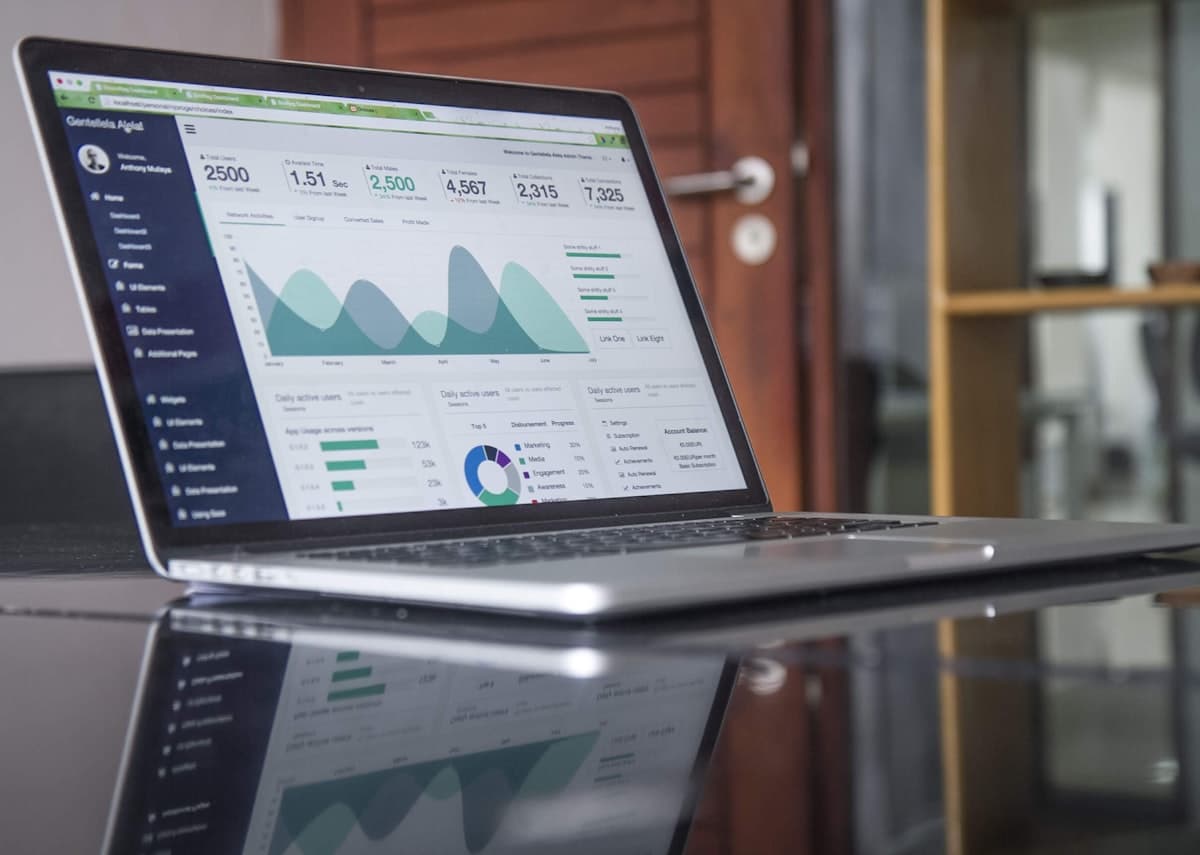
GST-Compliant Zoho Books Setup for Kerala Businesses
GSTR-1, GSTR-3B, GSTR-2B reconciliation, e-way bills, HSN codes, and TDS — configured correctly from day one so your CA is not fixing errors every month.
- check_circle
GST reports generated automatically from correctly categorised transactions
- check_circle
E-way bills raised directly from Zoho Books — no separate portal login
- check_circle
CA gets direct access — no Excel exports, no email attachments

60+
Zoho projects across Kerala & Gulf
GSTR Ready
GSTR-1, 3B, 2B reports from day one
2–4 wks
Typical Books setup timeline
Since 2021
Implementing Zoho for businesses
What GST compliance actually looks like for most Kerala businesses right now
The GST system is not complicated by design — it becomes complicated when the accounting setup does not match the compliance requirements. These are the gaps we find in almost every Zoho Books setup we are asked to fix or rebuild.
Wrong GST treatment applied to invoices every month
IGST vs CGST/SGST selection done manually on each invoice. Interstate and intrastate supply mixed up. Zero-rated export invoices filed under regular supply. Each error is a GSTR-1 mismatch that the CA has to correct before filing — and a potential notice later.
GSTR-2B mismatches found after filing instead of before
The input tax credit your vendor has uploaded does not match what you recorded in your books. The mismatch is found after you have already filed GSTR-3B. Reversals, amendments, and the ITC difference cost more time and money than fixing the source data would have.
E-way bills raised on a separate government portal
Every outward supply above Rs.50,000 requires an e-way bill. Most businesses log into the NIC portal separately, generate the bill, write down the number, and then update the invoice. An extra step that happens hundreds of times a year — and is unnecessary when Zoho Books is configured correctly.
HSN codes missing or incorrect on invoices
Businesses with annual turnover above Rs.5 crore are required to report 6-digit HSN codes on every B2B invoice and 4-digit codes on B2C invoices. Missing or incorrect HSN codes generate GSTR-1 errors and can trigger notices. Most businesses fill them in inconsistently because they are not configured in the item master.
TDS deductions tracked in a separate file, not in the accounts
Payments to vendors where TDS should be deducted — rent, professional fees, contractor payments — are made without deducting TDS, or the TDS is deducted but recorded in a separate spreadsheet rather than in the accounting system. Form 16A cannot be generated from Zoho Books without proper TDS configuration.
Month-end close requires the CA to wait for exported files
At the end of every month, someone exports data from Tally or the accounting system into Excel files and emails them to the CA. The CA reworks the data, files returns, and sends corrections back. The same loop every month — entirely avoidable with direct CA access to Zoho Books.
What changes after Zoho Books is configured correctly for GST
Before Correct Setup
- closeGST type selected manually on every invoice — errors every month
- closeGSTR-2B mismatches found after filing, not before
- closeE-way bills raised on a separate government portal
- closeHSN codes missing or inconsistent across invoices
- closeTDS tracked in a spreadsheet, not in the accounts
- closeCA waits for Excel exports before filing can begin
After Correct Setup
- check_circleIGST/CGST/SGST applied automatically based on customer state and supply type
- check_circleGSTR-2B reconciliation run inside Zoho Books before filing
- check_circleE-way bills generated directly from invoices in Zoho Books
- check_circleHSN and SAC codes mapped to every item — applied on every invoice
- check_circleTDS deducted and recorded automatically on qualifying payments
- check_circleCA logs into Zoho Books directly — no Excel, no email attachments
What a properly configured Zoho Books setup delivers for GST compliance
Zoho Books is one of the few accounting platforms fully integrated with Indian GST requirements — but only if it is set up correctly. Most GST problems in Zoho Books are not software problems; they are setup problems.
Automatic IGST/CGST/SGST selection
GST type determined automatically based on the customer's state and the supply type. Interstate transactions apply IGST. Intrastate apply CGST + SGST. Zero-rated exports apply correctly. No manual selection, no misclassification.
GSTR-1, GSTR-3B, and GSTR-2B reconciliation
GSTR-1 generated from sales invoices. GSTR-3B computed from output and input data. GSTR-2B reconciliation run inside Zoho Books to identify ITC mismatches before you file — not after.
E-way bills from within Zoho Books
Generate e-way bills directly from invoices without logging into the NIC portal. The e-way bill number is attached to the invoice record automatically. Bulk e-way bill generation available for businesses with high outward supply volume.
HSN and SAC codes on every transaction
Every product or service mapped to the correct HSN or SAC code in the item master. Applied automatically on every invoice. GSTR-1 HSN summary generated in the required format — 4-digit for B2C, 6-digit for B2B above the threshold.
TDS deduction and TCS collection
TDS rules configured for applicable vendor payment categories. TCS configured for eligible sales. Deductions applied automatically on qualifying transactions. Form 16A generated from Zoho Books at the end of each quarter.
Direct CA access to reports
Accountant user role with access to GSTR reports, trial balance, P&L, and balance sheet. Your CA logs in and pulls what they need. No monthly Excel export, no email attachment, no version confusion.
What a correct Zoho Books GST setup actually includes
We have configured Zoho Books for traders, manufacturers, service businesses, exporters, and contractors across Kerala. A correct GST setup is not just enabling the GST module — it is configuring every element so the system applies the right treatment automatically.
GSTIN and tax registration configuration
Your GSTIN, business type (regular, composition, SEZ), and filing frequency configured correctly so all GST reports and portal filings are based on accurate registration data.
Item master with HSN/SAC codes and tax rates
Every product and service in your item master mapped to the correct HSN or SAC code and the applicable GST rate — so every invoice applies the right tax automatically.
Customer and vendor state mapping
Customer and vendor records tagged with their state so IGST applies to interstate and CGST+SGST to intrastate transactions without any manual selection.
E-way bill portal integration
NIC e-way bill portal connected to Zoho Books so e-way bills are generated directly from invoices — with the e-way bill number logged against the record.
TDS and TCS rule configuration
TDS sections (194C, 194J, 194I, etc.) mapped to vendor payment categories. TCS sections mapped to applicable sales. Deduction and collection applied automatically.

Zoho Books · GST
Correct setup from day one — so your CA is not fixing errors every month

Business types we work with
Implementation runs fully remote. On-site sessions available for Kochi and North Kerala.
What the setup actually looks like
A Zoho Books GST setup is not an afternoon task. Getting the item master, tax rules, customer mapping, and portal integrations right requires a structured process — one where we verify the output at each step before moving on.
Discovery — understanding your business type, transactions, and filing requirements
We review your GSTIN registration, supply types, transaction categories, and current accounting approach. If you are moving from Tally or another system, we assess what data needs to be migrated and in what format.
Chart of accounts, item master, and customer/vendor setup
Chart of accounts configured for your business type. Every product and service in the item master mapped to the correct HSN/SAC code and GST rate. Customers and vendors tagged with state data for automatic IGST/CGST/SGST selection.
Portal integration, TDS setup, and CA access
E-way bill portal connected. TDS and TCS rules configured and mapped to vendor/customer categories. CA user account created with the right access level. Bank feeds connected for reconciliation.
Testing, training, and go-live
Test transactions run through the full cycle — invoice, payment, GST report, e-way bill. GSTR-1 and GSTR-3B outputs verified. Team trained on daily transaction entry. CA shown how to access reports. Go-live with two weeks of post-launch support.
What businesses say after working with our Zoho team
Desafio GBS Private Limited
Abhijith
“Their team demonstrated strong technical expertise, professionalism, and a clear understanding of our business processes from the very beginning. The implementation was carried out smoothly and efficiently, with minimal disruption to our operations.”
Candidzone
Manhar
“By implementing a customised CRM solution, our business processes have become significantly more automated, including proposal management and client handling workflows. Their team also set up a performance monitoring system and advanced analytics dashboards.”
Choice Air Conditioners
Mejo
“We are extremely satisfied with the Zoho CRM implementation service provided by Tech Geum. The team understood our requirements clearly and completed the project smoothly with excellent support and professionalism. Highly recommended for Zoho solutions.”
Feamish Tours and Travels
Muhammed Shafi
“We have worked with Tech Geum on multiple projects across our organisations in the UAE, Qatar, and Oman. Their team has provided excellent support in implementing and optimising Zoho CRM and SalesIQ for our business.”
Questions Kerala businesses ask about Zoho Books and GST
helpCan Zoho Books generate GSTR-1, GSTR-3B, and GSTR-2B automatically from transactions?
expand_more
Yes. Zoho Books generates GSTR-1 from your sales invoices and GSTR-3B from your combined input and output tax data. GSTR-2B reconciliation compares your purchase records in Zoho Books with the data available on the GST portal, highlighting mismatches before you file. If your invoices and purchase entries are categorised correctly from the start — which is what we configure during setup — the GST reports come out in the right format without additional manual work.
helpDoes Zoho Books support e-way bill generation directly?
expand_more
Yes. Zoho Books is integrated with the NIC e-way bill portal. Once your GSTIN is configured, you can generate e-way bills directly from within Zoho Books at the time of invoicing — without logging into the e-way bill portal separately. The e-way bill number is attached to the invoice record. For businesses in Kerala that move goods across state lines regularly, this removes a step that was previously done on a separate government portal.
helpHow does Zoho Books handle different GST rates across product or service categories?
expand_more
Each product or service in Zoho Books is mapped to the correct HSN or SAC code and the applicable GST rate — 0%, 5%, 12%, 18%, or 28%. Once set up, every invoice for that item applies the correct rate automatically. Businesses that sell across multiple tax rate categories — for example, a trader selling both 5% and 18% GST items — do not need to manually select the rate on each invoice. We configure the item master during setup so the tax treatment is correct from the first transaction.
helpCan Zoho Books handle TDS deduction and TCS collection automatically?
expand_more
Yes. Zoho Books supports TDS deduction on payments to vendors for applicable categories — rent, professional fees, contract payments — and TCS collection on sales where required. TDS certificates (Form 16A) can be generated from within Zoho Books. We configure the TDS and TCS rules during setup and map them to the right vendor and customer categories so the correct deduction or collection is applied automatically on qualifying transactions.
helpWe have both B2B and B2C sales. Can Zoho Books handle both correctly for GST?
expand_more
Yes. Zoho Books handles B2B invoices with buyer GSTIN, B2C small invoices, B2C large invoices (above Rs.2.5 lakh for interstate), and exports — each with the correct reporting treatment in GSTR-1. The invoice type is determined by whether a GSTIN is entered for the customer, the invoice value, and whether it is an interstate or intrastate transaction. We configure the customer master so the classification happens automatically based on the data entered, rather than requiring someone to select the right category on every invoice.
helpCan our CA access Zoho Books directly without our team having to export files?
expand_more
Yes. Zoho Books supports multiple user roles. We create a dedicated accountant login for your CA with access to the reports and modules they need — GSTR reports, trial balance, P&L, balance sheet — without giving them access to operational data they do not need. Your CA can log in directly and pull the data they need for filing without you having to export Excel files and email them. This removes a step from the monthly close process and reduces the chance of version errors.
More Zoho resources for Kerala businesses
Zoho Books in Kerala
Zoho Books implementation for Kerala businesses — invoicing, GST, and bank reconciliation.
Zoho Partner in Kerala
Full Zoho implementation — CRM, Books, Zoho One, migration, training, and support.
Zoho One in Kerala
Zoho One for Kerala businesses — CRM, Books, Mail, HR, and operations in one platform.
Zoho for Export Businesses
Multi-currency invoicing, international buyer management, and export document tracking.
Zoho Consultant in Kerala
Workflow audits and strategy sessions — get the design right before you build.
All Zoho Services
The full range of Zoho implementation, migration, training, and support services from Tech Geum.
If your CA is fixing GST errors every month or your Zoho Books is not producing correct GSTR reports — this is the fix
We start with a call to understand your business type, transaction categories, and current accounting setup. Most setups go live within 2–4 weeks.
- check_circleFree 30-minute discovery call — no obligation
- check_circleWritten configuration brief before we start
- check_circleLive in 2–4 weeks for most businesses
- check_circleCA access configured as part of the setup
Also see: Zoho Books Kerala · Zoho Partner Kerala · All Zoho services
Book a Free Consultation
Tell us about your business and accounting setup